A countdown to any date, on your start page
Days until a trip or a birthday, in big type you see every time you open your browser.
Start your deck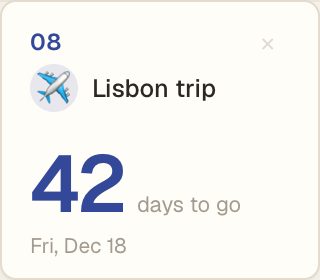
How it works
- Name it and pick a date. Click the date to change it.
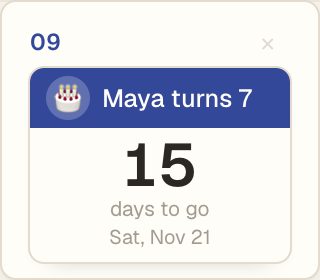
- Two styles. A big number, or a page torn from a calendar.
- An icon. Pick one of sixteen, like a plane, a cake or a tree.
On the day itself it says Today. After that it counts the days since.
On your iPhone
Countdowns show in the Daft Deck app on your Home Screen, and on the iPhone widget along with your words and stickies.
Questions
Is it free?
Yes. One countdown is free. Daft Deck Pro lets you add as many as you like, for $12 once.
Do I need an account?
No. Make one only if you want your countdowns on more than one device.
What happens after the date?
It shows how many days ago it was, until you change the date or remove it.